 AI Video Generation
Videx — The AI Video Generator
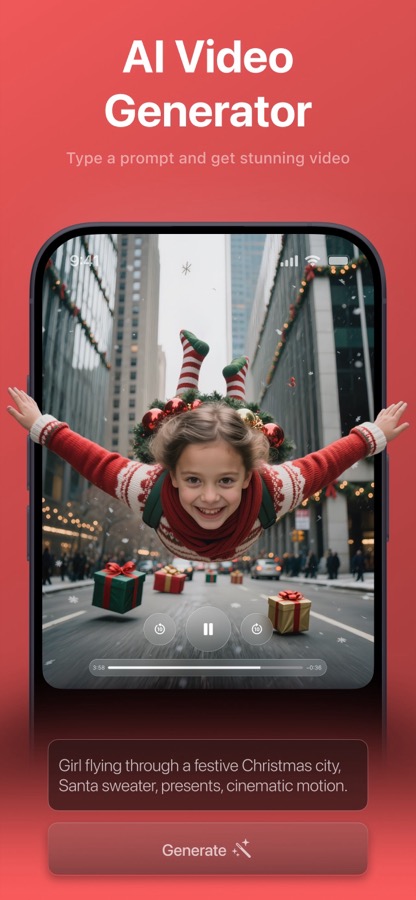
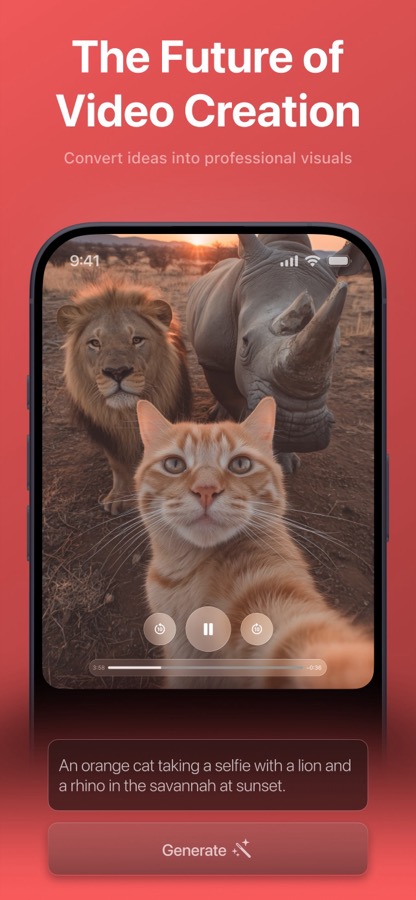
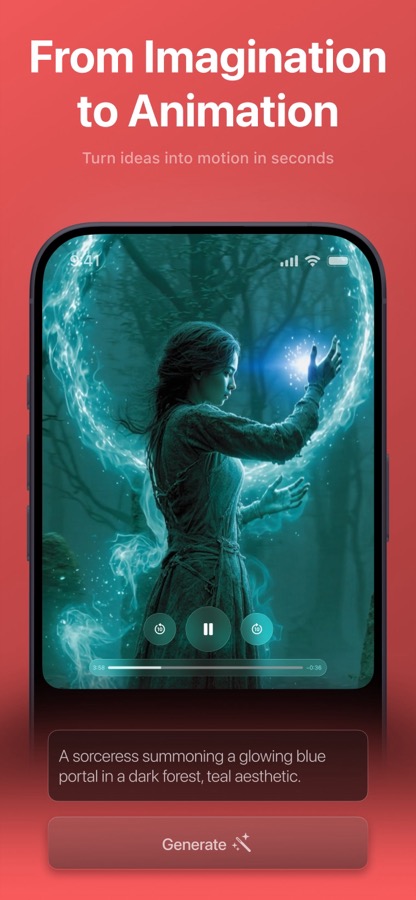
Videx is an AI video generator for iPhone and iPad that turns a written idea, a reference photo, or both into a short, stylized video in minutes. Describe a scene, pick a visual style like Cinematic, Anime, or Cyberpunk, and tap Generate — no camera, crew, or editing skills required.
What is Videx?
Videx is an AI video generator for iPhone and iPad that turns a written idea, a reference photo, or both into a short, stylized video in minutes. Describe a scene, pick a visual style like Cinematic, Anime, or Cyberpunk, and tap Generate — no camera, crew, or editing skills required.
The whole video pipeline collapses into a single prompt-and-tap experience. A transparent live queue shows your place in line and an estimated wait, and the finished clip auto-plays in a loop, ready to save to your camera roll or share anywhere.
Features
Text-to-video & photo-to-video
Type a free-form description, attach one or more reference photos, or combine both to ground the generation in your own subject.
Ten one-tap style recipes
Realism, Fantasy, Anime, Cinematic, Steampunk, Cyberpunk, Vintage, Paint, Illustration, and Pixel Art rewrite your prompt with the right modifiers for a consistent, professional aesthetic.
Live queue & progress
See your position in line and an estimated time remaining. Generation runs server-side, so you can leave the tab and come back to a finished clip.
History, replay & regenerate
Every creation is saved to History, where you can replay it, reuse its inputs to regenerate, or delete it.
How Videx works
- 1
Describe or upload
Type your idea and/or attach reference photos from your library.
- 2
Choose a style
Pick a visual style — a default is pre-selected so you can generate immediately.
- 3
Generate & wait
Tap Generate and watch the live queue with a transparent time estimate.
- 4
Save or share
The result loops automatically — save it to Photos or share it to any app.
What you can do with Videx
Social content creators
Generate unique, scroll-stopping clips on demand for TikTok, Reels, and Stories.
Ideas without a film crew
Turn a sentence into a video when you have no camera, actors, or editing software.
Hobbyists & the AI-curious
A friendly, one-tap way to experiment with generative video and different styles.
Fun & novelty
Make playful, shareable, stylized visuals fast — Anime, Pixel Art, Cyberpunk, and more.
Videx FAQ
How does Videx make a video?
You provide a text description and/or a reference photo and pick a style. Videx sends the request to its cloud service, which generates a short, looping video and returns it to the app.
How long does generation take?
A few minutes, depending on queue length. The app shows your position in line and an estimated time remaining throughout.
Can I turn a photo into a video?
Yes. Attach one or more reference photos — with or without a text prompt — to ground the generated video in your own image.
Is Videx free?
Videx is free to try. A PRO subscription unlocks unlimited, ad-free, watermark-free generation with priority processing.
Do the videos have a watermark?
Free videos carry a small Videx watermark. PRO subscribers export clean, watermark-free clips.
Explore Videx in depth
The full story lives on videx.app — feature deep-dives, guides, and answers to every question.
Try Videx today
Turn an idea or a photo into a short, cinematic AI video — no camera or crew. Free to download on the App Store.