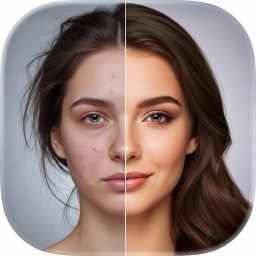
 AI Face Swap
SwapTo — Perfect AI Selfies in One Tap
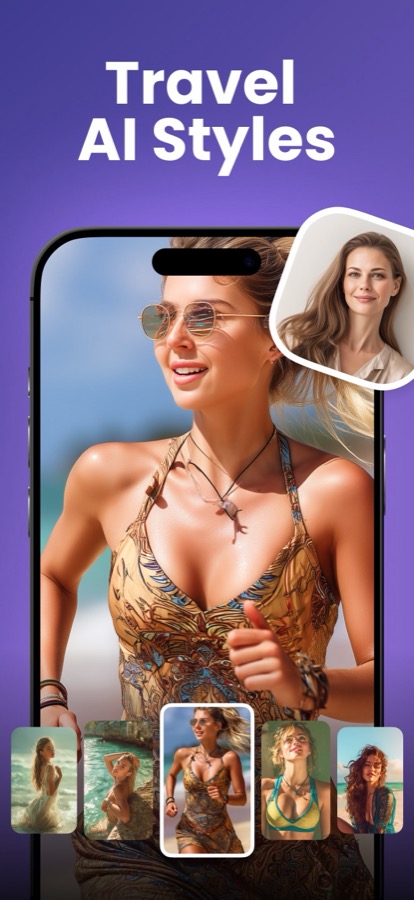
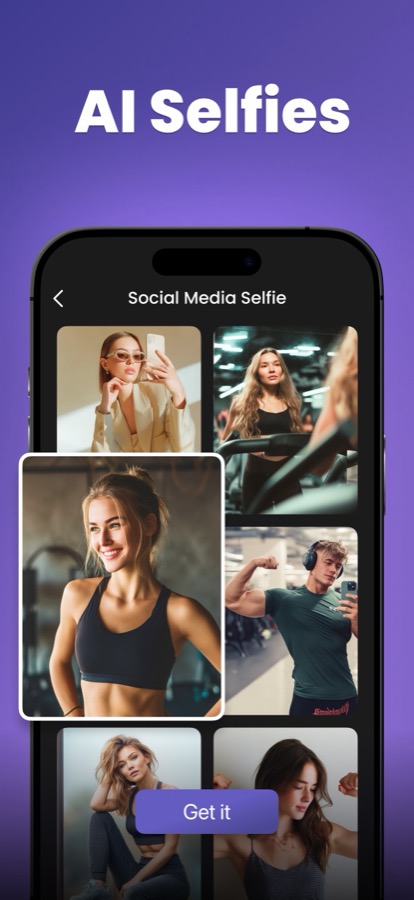
SwapTo is an AI selfie studio in your pocket for iPhone and iPad. Place your face into hundreds of professionally styled scenes, reinvent yourself across dozens of creative avatars, or try on dramatic makeup and new hairstyles — all in a few taps, with automatic face detection removing every bit of friction.
What is SwapTo?
SwapTo is an AI selfie studio in your pocket for iPhone and iPad. Place your face into hundreds of professionally styled scenes, reinvent yourself across dozens of creative avatars, or try on dramatic makeup and new hairstyles — all in a few taps, with automatic face detection removing every bit of friction.
Three complementary experiences — AI Swap, AI Avatar, and AI Filters — cover everything from a LinkedIn-ready headshot to a playful, share-with-friends transformation. Pick a look, add a photo, and get a stunning, shareable result in seconds.
Features
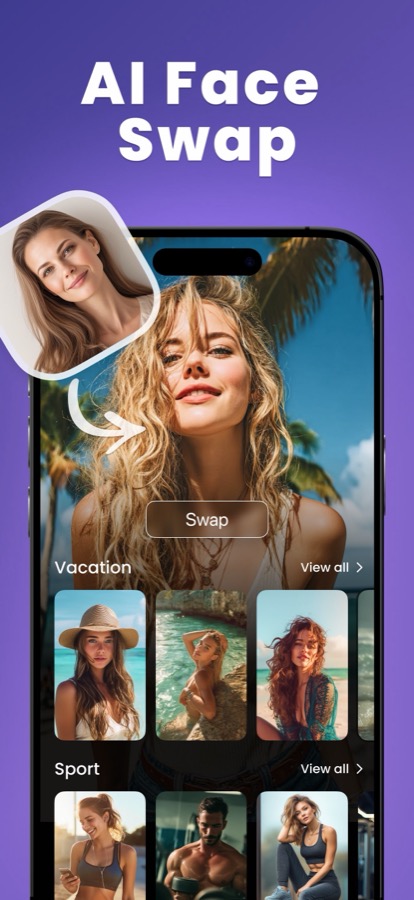
AI Swap — 310 curated templates
Swap your face into professionally shot scenes across Professional, Luxury, Vacations, Casual, Fitness, and Romantic collections — or bring your own target photo. The library is gender-aware and re-filters instantly.
AI Avatar — 42 creative themes
Reinvent yourself as a superhero, anime hero, cyberpunk, Renaissance noble, or a polished business headshot, with an editable prompt for each theme.
AI Filters — makeup & hairstyles
Try on ten AI makeup looks and nineteen new hairstyles that transform your photo while keeping your identity fully recognizable.
Automatic face detection
SwapTo detects and crops your face for you, so you never align, mask, or retouch anything. Regenerate for an alternative take on the same inputs.
How SwapTo works
- 1
Pick a style
Browse Swap templates, avatar themes, or makeup and hairstyle filters.
- 2
Add your photo
Choose a selfie — SwapTo automatically detects and crops your face.
- 3
Generate
AI produces your result in seconds on a full-screen, zoomable preview.
- 4
Save, share or regenerate
Download to your camera roll, share anywhere, or regenerate for another version.
What you can do with SwapTo
Profile pictures & content
Fresh, eye-catching photos and avatars that stand out on social feeds.
Professional headshots
Business and Professional collections deliver LinkedIn-ready portraits without a studio.
Beauty & style experiments
Try dramatic makeup and radically different hairstyles risk-free before committing.
Fun with friends
Lighthearted 'look what I turned into' moments made for sharing and laughing about.
SwapTo FAQ
What can SwapTo do?
Three things in one app: swap your face into hundreds of styled scenes, generate creative avatars, and apply AI makeup and hairstyle filters to your own photo.
Do I have to align my face manually?
No. SwapTo automatically detects and crops your face from the photo you pick — if no face is found, it simply asks for another photo.
Can I use my own scene instead of a template?
Yes. The AI Swap experience lets you upload your own target photo and swap a face into it.
Is SwapTo free?
SwapTo is free to try. SwapTo PRO unlocks unlimited, ad-free, watermark-free, priority generations.
How many looks are available?
310 face-swap templates, 42 avatar themes, and 29 makeup and hairstyle filters, organized into intuitive collections.
Explore SwapTo in depth
The full story lives on swapto.app — feature deep-dives, guides, and answers to every question.
Try SwapTo today
Face swap into hundreds of scenes, become any avatar, and try on glam filters. Free to download on the App Store.