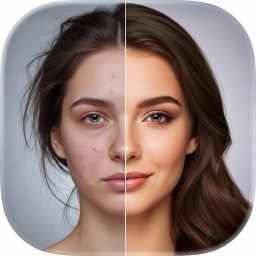
 AI Image Generation
Photix — Create Anything You Imagine
Photix is a pocket-sized creative studio for iPhone and iPad where your imagination is the only input. Describe an idea to generate original artwork, modify a photo just by saying what to change, or transform a selfie into a themed avatar — all with curated styles and zero learning curve.
What is Photix?
Photix is a pocket-sized creative studio for iPhone and iPad where your imagination is the only input. Describe an idea to generate original artwork, modify a photo just by saying what to change, or transform a selfie into a themed avatar — all with curated styles and zero learning curve.
Four simple modes — AI Generate, AI Edit, AI Avatar, and AI Tools — cover the whole creative range, from a blank-page idea to a share-ready image. Curated art styles, ready-made avatar templates, and automatic prompt enhancement mean you get impressive results without any prompt-writing skill.
Features
AI Generate — text to image
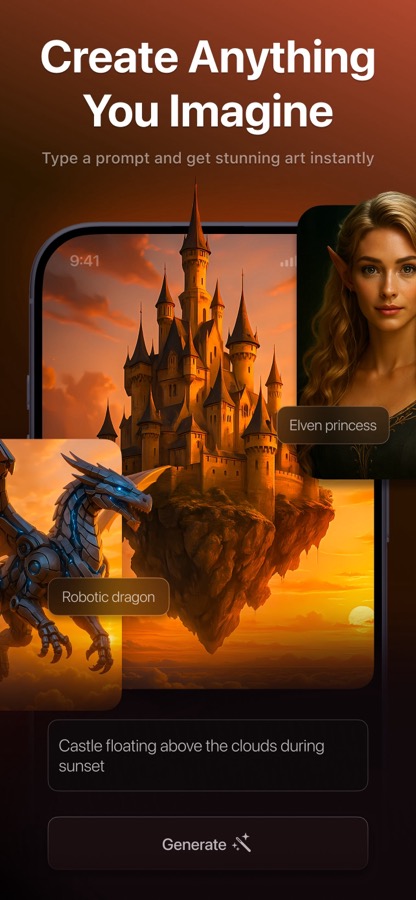
Type any idea and watch it become artwork. Pick from ten curated styles — Realism, Fantasy, Anime, Cinematic, Cyberpunk and more — attach up to two reference photos, and toggle Enhance Prompt to let AI enrich your description.
AI Edit — conversational photo editing
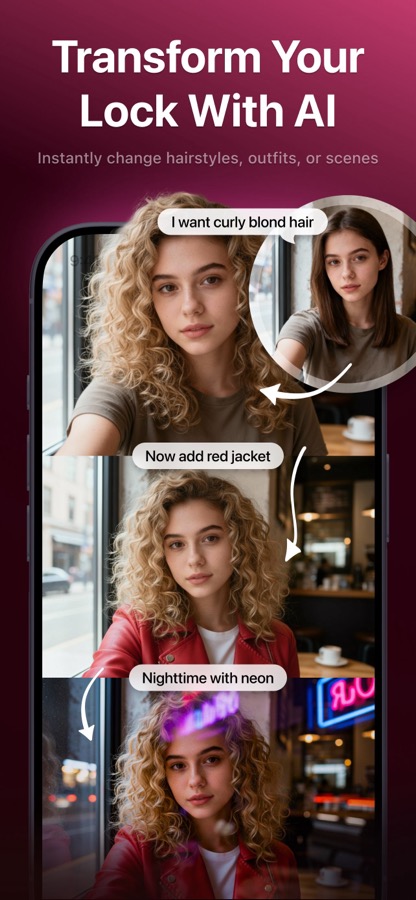
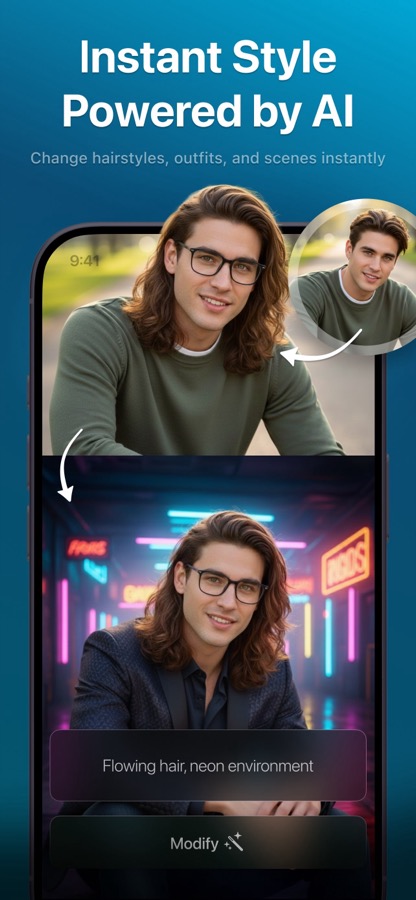
Set a photo and describe the change. Each edit builds on the last, so you can layer changes step by step — 'add a red beret,' then 'make it autumn' — and flip between variants.
AI Avatar — selfie to portrait
Choose from dozens of templates across Trending, AI Avatars, Fashion, Historical, and Lifestyle collections. Photix detects your face, pre-fills a descriptive prompt you can tweak, and returns a stylized portrait.
Reference photos & prompt enhancement
Guide generations with your own images, and let the built-in prompt enhancer optimize wording for sharper, more consistent results.
How Photix works
- 1
Describe or choose
Type an idea, pick a style, or select an avatar template to start from.
- 2
Add a photo (optional)
Attach a selfie or reference images to guide or transform the result.
- 3
Generate
Tap Generate and watch the friendly progress countdown while the AI creates your image.
- 4
Refine, save & share
Regenerate for fresh variants, then download to Photos or share instantly.
What you can do with Photix
Avatars & profile pictures
Turn a selfie into a superhero, Renaissance noble, or fashion-editorial portrait worth posting.
Bring ideas to life
Describe any scene — 'a cozy cabin in a snowy forest at night' — and get striking original art.
Quick photo edits
Change outfits, backgrounds, or details just by describing them, no design software needed.
Trying AI art, skill-free
Curated styles and prompt enhancement make great results easy for first-time creators.
Photix FAQ
What can I create with Photix?
Original AI artwork from a text description, edited versions of your own photos, and themed avatars generated from a selfie — all in one app.
Do I need to know how to write prompts?
No. Curated styles, ready-made avatar templates, and an Enhance Prompt toggle handle the hard part, so simple descriptions still produce great results.
Is Photix free?
Photix is free to try on the App Store. Photix PRO removes ads and watermarks, lifts usage limits, and adds priority processing.
Can I edit a photo more than once?
Yes. AI Edit is iterative — each change builds on the previous result, so you can stack edits step by step and compare variants.
Which devices run Photix?
Photix works on iPhone and iPad with a polished dark-mode interface.
Explore Photix in depth
The full story lives on photix.app — feature deep-dives, guides, and answers to every question.
Try Photix today
Turn words and selfies into original AI artwork, edits, and themed avatars. Free to download on the App Store.