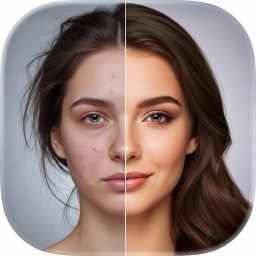
 AI Photo Enhancement
FxAI — Your All-In-One AI Photo Enhancer
FxAI is an all-in-one AI photo enhancer for iPhone and iPad that turns an ordinary photo into a polished, professional-looking image in a single tap. It brings together four studio-grade tools — Retouch, Restore, Edit, and Erase — behind one friendly, consistent interface, so you never have to learn layers, masks, or complicated sliders.

What is FxAI?
FxAI is an all-in-one AI photo enhancer for iPhone and iPad that turns an ordinary photo into a polished, professional-looking image in a single tap. It brings together four studio-grade tools — Retouch, Restore, Edit, and Erase — behind one friendly, consistent interface, so you never have to learn layers, masks, or complicated sliders.
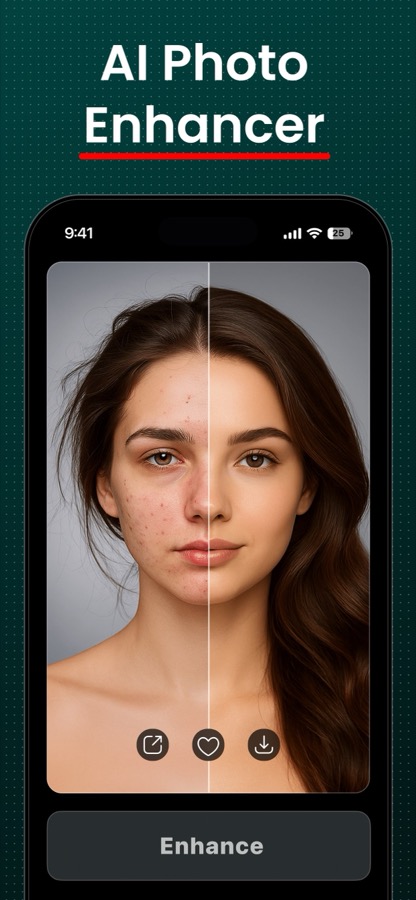
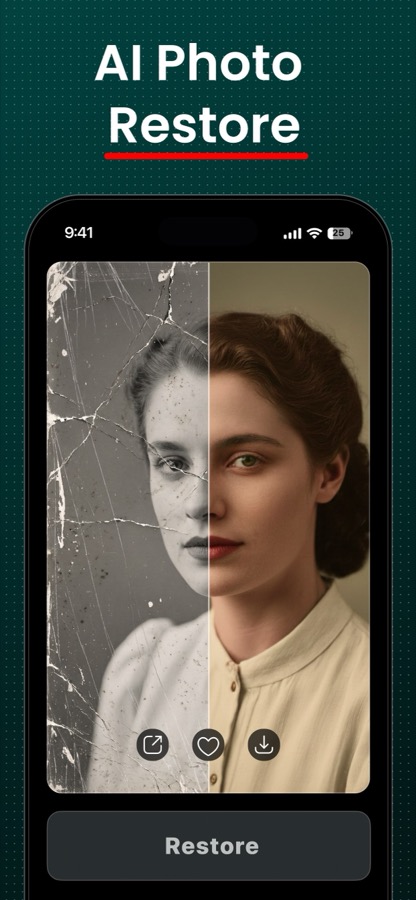
Every result opens in a draggable before/after slider, making each improvement instantly and visibly obvious. Add a photo, tap a button, and get a great result in about ten seconds — then save it to your library or share it anywhere. It's the breadth of a full desktop editing suite, distilled into one dead-simple app.
Features
Retouch — AI portrait enhancement
Smooth skin, balance lighting, and add natural polish to any selfie or portrait. Choose from three strengths — Natural for a subtle touch-up, Enhanced for a noticeable lift, or Studio for a dramatic, magazine-shoot finish.
Restore — old & damaged photo repair
Bring old memories back to life. Unblur sharpens soft or shaky shots into HD clarity, Restore repairs degraded and damaged prints, and Colorize adds realistic color to black-and-white images.
Edit — generative editing by description
Change a photo just by describing what you want — 'add a red hat' or 'change the background to a beach.' Attach reference images, refine the result step by step, and generate alternate variants until it's exactly right.
Erase — object & blemish removal
Brush over an unwanted object, person, or blemish and let AI seamlessly fill the gap. Undo and revert freely until the shot looks the way you always wanted it to.
How FxAI works
- 1
Add a photo
Tap to pick any image from your library. FxAI scales it to Full-HD for fast, consistent processing.
- 2
Pick a tool and options
Choose Retouch, Restore, Edit, or Erase, then set a strength, choose a mode, or type a prompt.
- 3
Let AI work
A short progress overlay appears — most results are ready in about ten seconds.
- 4
Compare, save & share
Review the improvement in the before/after slider, then save to Photos or share anywhere.
What you can do with FxAI
Everyday selfies & portraits
Polish every photo before you post it, with flattering, studio-quality results in seconds.
Restoring family memories
Unblur, repair, and colorize old or damaged family pictures to relive them in full clarity.
Quick creative edits
Swap backgrounds, add elements, or remove photobombers without ever opening Photoshop.
Content for social
Produce a fast, repeatable, professional look across all of your posts and stories.
FxAI FAQ
Is FxAI free to use?
Yes — FxAI is free to download and try on the App Store. A Pro subscription unlocks unlimited, ad-free, watermark-free results with priority processing.
Do I need any editing skills?
No. Every tool is a single button — add a photo, tap once, and get a professional result. There are no layers, masks, or manual controls to learn.
How long does an enhancement take?
Most results finish in roughly ten seconds, with an on-screen countdown while the AI works.
Which devices are supported?
FxAI runs on iPhone and iPad, with a dark-mode interface that adapts to larger screens.
How do I remove the watermark?
Free results carry a small watermark. Upgrading to Pro removes watermarks and ads entirely and lifts usage limits.
Explore FxAI in depth
The full story lives on fxai.app — feature deep-dives, guides, and answers to every question.
Try FxAI today
Retouch, restore, edit, and erase — studio-grade photo enhancement in one tap. Free to download on the App Store.