 AI Photo Animation
PicAlive — Bring Your Photos to Life
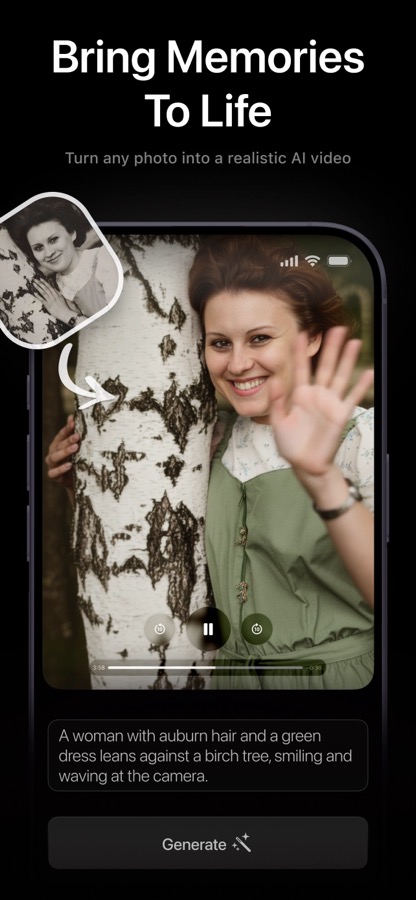
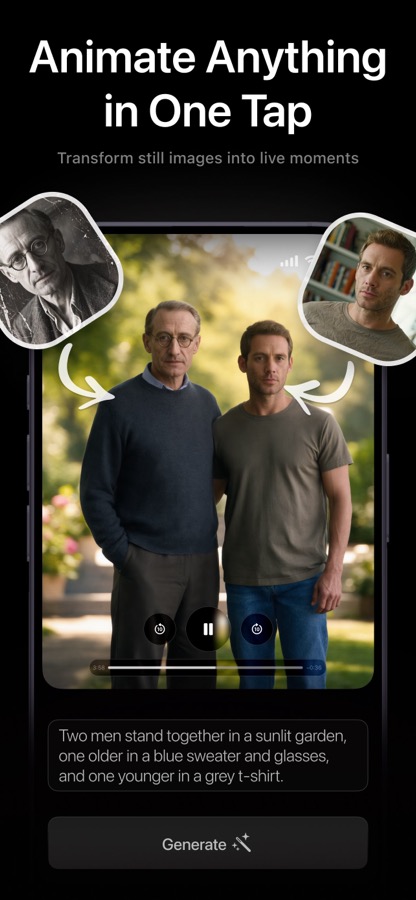
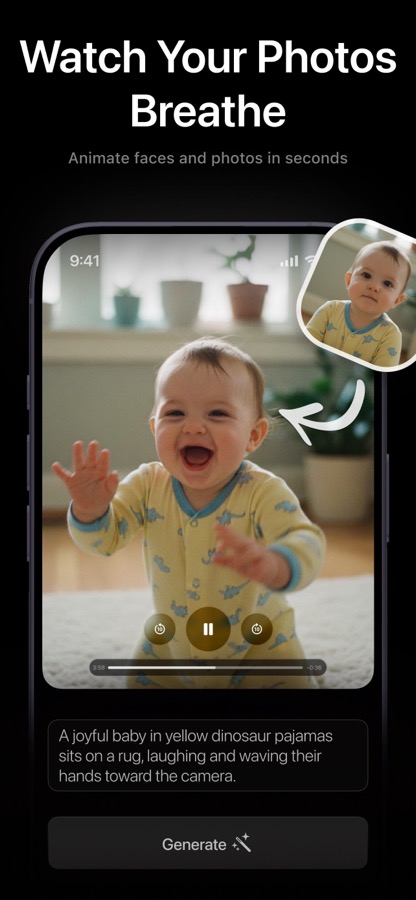
PicAlive is an AI photo animation app for iPhone and iPad that turns a single still photograph into a short, realistic moving video. Pick a photo, tap Make Alive, and moments later faces, hair, water, and foliage begin to move naturally — as if the moment had been filmed instead of frozen in time.
What is PicAlive?
PicAlive is an AI photo animation app for iPhone and iPad that turns a single still photograph into a short, realistic moving video. Pick a photo, tap Make Alive, and moments later faces, hair, water, and foliage begin to move naturally — as if the moment had been filmed instead of frozen in time.
There are no prompts to write and no settings to tune. The animation is generated automatically, so the entire experience is reduced to 'upload a photo → get a video.' It's the simplest, most emotional way to relive a memory and share it as living, moving content.
Features
One-tap Make Alive
Choose a photo and tap a single button. PicAlive optimizes the image and animates it — no prompt, no style picker, no configuration.
Realistic, natural motion
The animation aims for believable movement, not cartoonish effects, so faces, hair, water, and backgrounds come alive convincingly.
History to replay & regenerate
Every animation is saved with its status. Replay a finished clip, reuse a photo to regenerate, or delete a task with a tap.
Save & share clean video
Download the finished clip to your camera roll or share it through any app. PRO subscribers get clean, watermark-free video.
How PicAlive works
- 1
Choose a photo
Pick any image from your library; PicAlive scales it to Full HD before uploading.
- 2
Tap Make Alive
The photo is sent to PicAlive's servers, where an AI model generates a matching animation.
- 3
Wait in the queue
A live progress indicator shows your position in line and an estimated time remaining.
- 4
Receive, save & share
The result loops automatically — save it to Photos or share it with friends and family.
What you can do with PicAlive
Reliving memories
Watch old family portraits and favorite photos move again for a genuinely emotional payoff.
Eye-catching social content
Instantly turn a still into novel, share-ready video with zero editing skill.
Wow-factor moments
A magical, effortless AI effect that friends and family love to see.
Anyone, any age
No prompts, timelines, or settings — just one tap — makes it perfect for non-technical users.
PicAlive FAQ
How does PicAlive work?
You pick a still photo and tap Make Alive. PicAlive sends it to a cloud AI model that generates a short, realistic animation and returns it as a looping video.
Do I need to write a prompt or choose a style?
No. Everything is automatic — the animation instructions are generated on the server side, so you only provide the photo.
How long does it take?
Usually a couple of minutes, depending on queue length. The app shows live progress and an estimated time remaining.
Is PicAlive free?
PicAlive is free to try, and onboarding lets you animate your first photo for free. PRO unlocks unlimited, ad-free, watermark-free, priority generations.
Will the video have a watermark?
Free videos carry a small PicAlive watermark. PRO subscribers export clean, watermark-free clips.
Explore PicAlive in depth
The full story lives on picalive.app — feature deep-dives, guides, and answers to every question.
Try PicAlive today
Turn any still photo into a realistic, moving video — one tap, no skill. Free to download on the App Store.